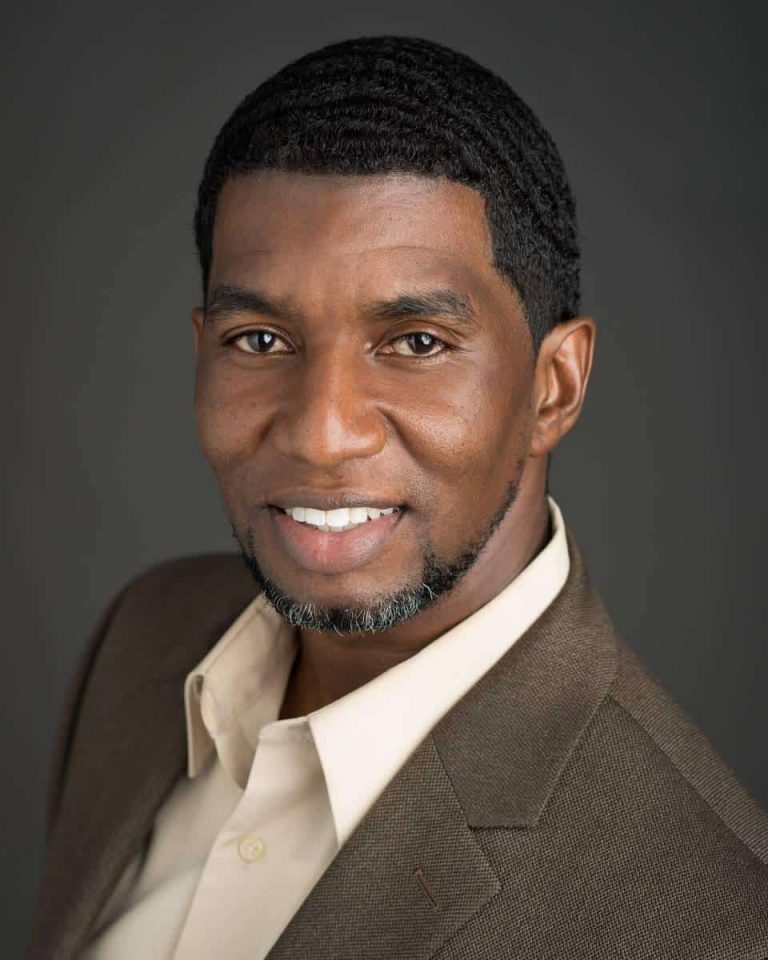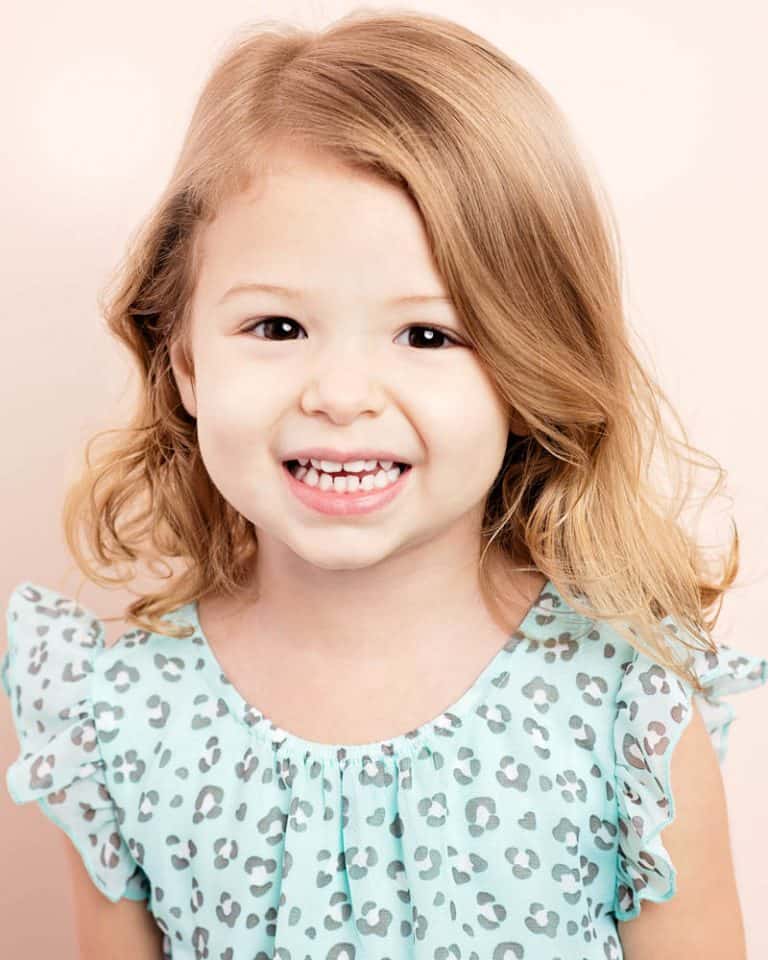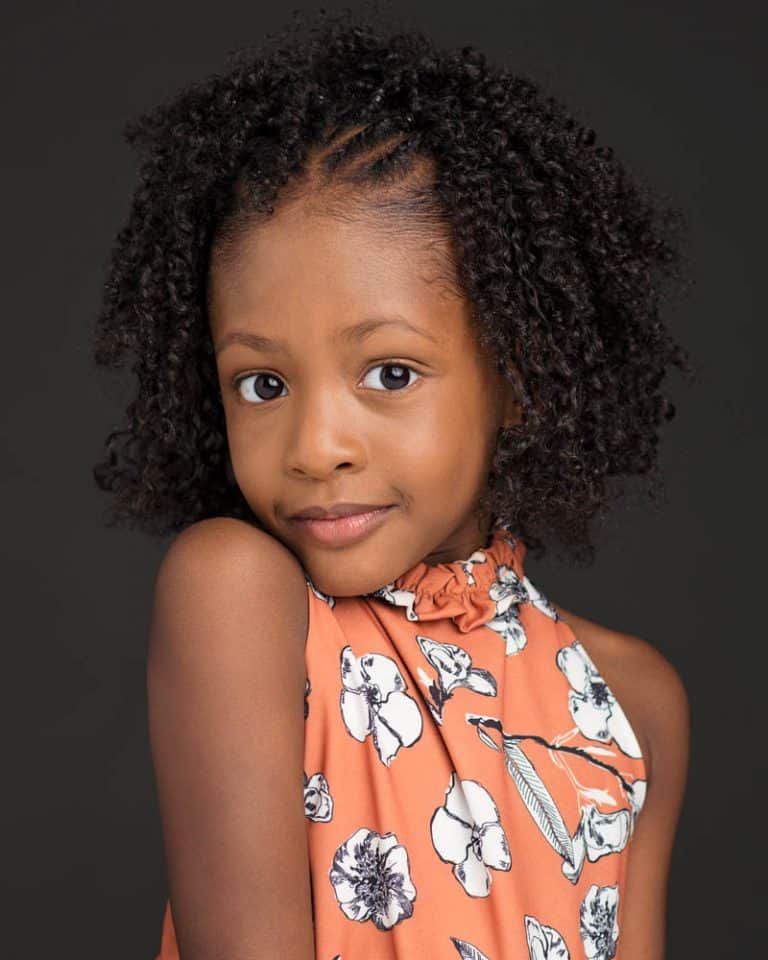
Headshot photography has come a long way in the past few decades, and the use of digital retouching and Photoshop has been integral to producing the most professional and eye-catching results. In this article, we’ll explore the various ways in which retouching and Photoshop can be used to enhance headshot photography and make the most of a portrait session. Read on to learn more! If you are actively looking for headshots near me, you have come to the right place.
What is Retouching?
Retouching is the practice of modifying an image or photograph with photo editing software such as Photoshop to enhance its visual appeal. Photoshop is a powerful tool for photographers to achieve the desired effect in post-processing of a photograph. With this program, photographers can adjust the brightness, contrast, color saturation, remove unwanted elements and even add special effects. By using Photoshop, photographers can create stunning works of art that are unique and memorable. It has become an essential part of modern photography and is a great way to take an image to the next level.
It involves manipulating the image to remove unwanted elements, enhance colors and tones, and adjust the overall composition of the photograph. Photoshop photography is an interesting form of art, allowing photographers to take their photos to the next level. Through the use of various editing tools, one can add special effects to create a unique and dynamic image. For example, color adjustment tools can be used to make colors pop, while contrast and sharpness tools can be used to enhance the overall quality of a photograph. Additionally, Photoshop photography allows for certain elements to be added or removed from an image to create a desired effect.
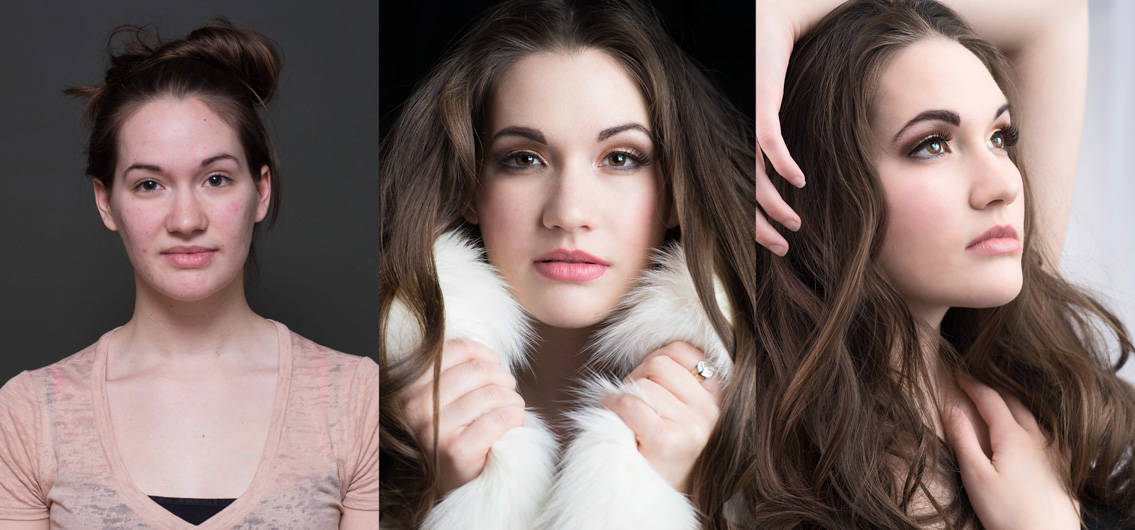 Retouching is a powerful tool that can be used to create a more natural look for a photograph. With the use of Photoshop, photographers are able to manipulate the lighting, contrast, and color of an image to create a vivid and realistic look. This technique, can be used to enhance the beauty of a photograph and turn it into a work of art. Retouching also allows photographers to remove blemishes, brighten shadows, and sharpen details to create an aesthetically pleasing image. When used in headshot photography, these techniques can help to bring out the subject’s best features and provide the viewer with an excellent representation of the person in the photograph.
It also can be used for more creative purposes such as creating composites and adding effects to an image to make it look even more dramatic and expressive However, photoshop can also be used to take photography to the next level. It can be used for more creative purposes such as creating composites and adding effects that will make a photograph even more dramatic and expressive. Photoshop allows photographers to explore the depths of their creativity and produce truly unique works of art.
Benefits of Retouching For Headshot Photography
Retouching headshot photography can allow photographers to make a subject look more professional and polished in their images. It can be used to remove blemishes, soften wrinkles, brighten eyes, and even alter the lighting of an image to create the perfect look for a client. Photographers can use a variety of tools in Photoshop to enhance their photography and create the desired aesthetic. For example, they can use the Healing Brush Tool to remove any blemishes, the Dodge/Burn Tools to adjust the shadows and highlights on a face, and the Clone Stamp Tool to whiten teeth or smooth skin. Additionally, photographers can further enhance their images with color adjustments, sharpening or blurring tools, and even special effects filters which can be found in Photoshop. With these tools at their disposal, photographers will have no problem creating stunning headshots for their clients.
Retouching headshots can also be used to give images a unique touch that makes them stand out from other photos taken in similar styles. Photographers can use retouching techniques to add special effects or play with color saturation and contrast to give the photos an extra boost of personality. Photoshop photography is a great way to bring a photo to life and add an individual touch to make it stand out from the rest. With Photoshop, photographers are able to apply creative filters, enhance the colors, add extra elements and create abstract effects that will give any headshot a creative spin.
Retouching headshots is also great for creating unique composite images that combine two or more photos into one unique image. This is a great way for photographers to challenge their creativity and create something truly stunning for their clients. Using advanced photoshop techniques, photographers can manipulate photos to blend together seamlessly, creating a compelling and eye-catching image that stands out from the crowd. By utilizing the power of Photoshop, photography enthusiasts can take their op photography skills to the next level and create something truly memorable for their clients.
Retouching can also be used as a time-saver by allowing photographers to quickly edit multiple images and make them consistent with each other, meaning they don’t have to spend extra time adjusting each image individually before presenting them to their clients
Utilizing Photoshop for Enhancing Headshots
Photoshop is a great tool to use when enhancing headshots, as it can help to make subtle adjustments that will highlight the subject’s best features and provide a professional look. Photoshop can also be used to retouch facial features and smooth out any blemishes, while still maintaining a natural look. By using Photoshop in conjunction with traditional photography techniques, photographers can create stunning headshots that will impress their clients.
With Photoshop, you can adjust lighting, color balance, sharpen details, and even add special effects – all of which can help create the perfect headshot for any occasion. Whether it’s a professional profile picture, casual selfie, or simply a fun photo to share with friends and family, Photoshop can help you create the exact look and feel you desire. Using various tools and techniques such as curves, levels, brushes, and blending modes, you can take your op photography to the next level. With Photoshop, the possibilities are truly endless.
Additionally, Photoshop offers an array of tools and features that allow for creative freedom – giving you the power to customize your images for a truly unique look and feel Similarly, op photography enabled by Photoshop allows photographers to express their creative vision in a way that is simply not possible with traditional photography alone. From color correcting a simple landscape photograph, to creating an entirely unique composite image, the possibilities are nearly infinite. With Photoshop’s vast array of features and tools, photographers have access to an entire arsenal of photographic manipulation options, enabling them to create stunning, one-of-a-kind images.
Optimizing Tones and Contrast in Photoshop for Headshots
Enhancing tones and contrast in headshots is a critical step in Photoshop photography. It can help make the subject more vibrant and bring out features that might otherwise be lost in the background. With the right adjustments and techniques, it is possible to create compelling images with increased impact and clarity. By manipulating the brightness and saturation of colors, photographers can add texture to the image and give a more professional and dynamic look to their headshots. With practice, Photoshop photography can be an amazing tool to elevate any photo or portrait.
Analyzing the Impact of Color in Photos with Photoshop
One of the most powerful tools in digital photography is color – when used correctly, colors can create moods and draw viewers into your work. Photoshop is a great way to carefully adjust your photos to create the most vibrant and beautiful color scheme. With a few minor tweaks, you can completely transform the mood and look of an image. Whether it be boosting the saturation, playing with hue and vibrance, or adding a vintage feel to your photos, Photoshop is incredibly useful for bringing out the beauty of your photos. With its robust capabilities, it’s no wonder Photoshop is one of the most popular tools among digital photographers.
Photoshop offers a range of tools to help photographers analyze their images in terms of colors and make adjustments to achieve the desired effect. From simple brightness and contrast adjustments to color correction and masking, Photoshop enables op photographers to take their images to the next level of quality. Additionally, Photoshop also allows photographers to get creative with special effects such as creating tilt-shift images, adding text overlays and more. With so many tools and features, it’s easy to see why Photoshop is a favorite among photographers who want to create high-quality digital images.
Working with Photoshop’s color wheel, curves, and levels helps photographers fine-tune the colors in their photos to create the exact look they’re going for. By utilizing these tools, photographers can experiment with hues and saturation to determine the perfect color palette for the image. Op photography, in particular, benefits from this feature as the colors often need to be tweaked to create a specific atmosphere. With Photoshop, photographers can apply adjustments to a selective part of the image or the entire photo, making it easier to nuance their work and bring out the best in their photos.
Using Color Balance and Hue/Saturation tools, photographers can adjust both the hue and intensity of individual colors within an image to create a cohesive look that expresses their vision Furthermore, photoshop photography gives photographers great control over the colors in their images. By utilizing the color balance and hue/ saturation tools, they can create a unified look that represents their very own op photography style. This enables them to have greater freedom to explore and express their creative visions.
Final thoughts
As you can see, digital retouching and Photoshop can be incredibly useful in enhancing headshot photography. With the right techniques, a photographer can turn a good photograph into an amazing one that looks professional and polished. However, it is important to remember that too much retouching and manipulation can lead to a photo that looks unnatural and unappealing. As a photographer, it is important to know when enough is enough. Experienced photographers understand the importance of subtlety, taking the time to ensure each picture is perfect without being over-manipulated.